Do you actually need an admin panel?
The feature everyone asks for by default — and half of them never open it twice.
Almost every conversation about a new site reaches the same sentence: "and I want to be able to edit it myself." Fair enough. Then the site launches, the owner logs into the admin panel twice in the first week, once more in month three to change a phone number, and never again.
That is not a failure of the owner. It is a mismatch between what the panel costs and how often it gets used. Worth thinking about before, not after.
What an admin panel actually is
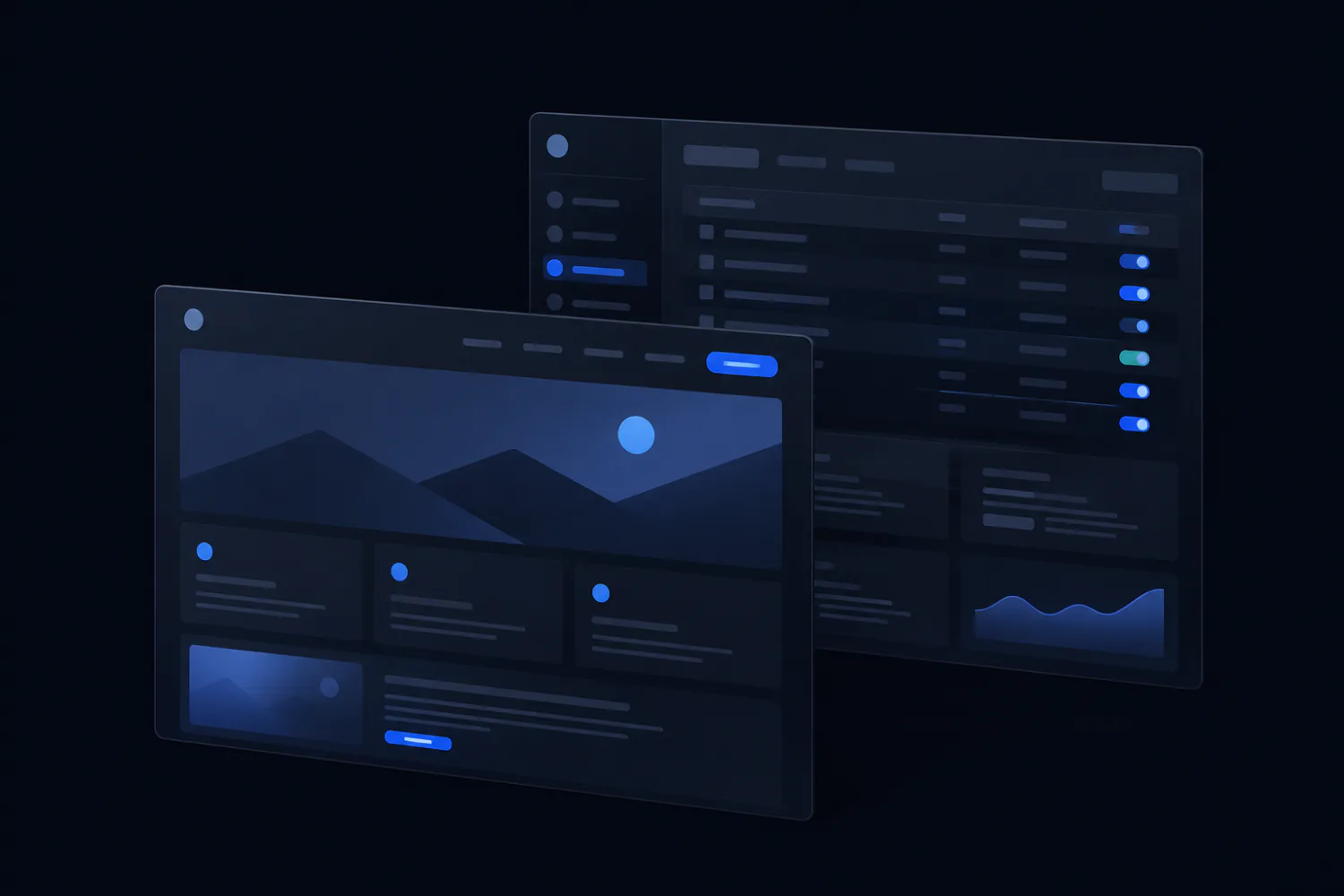
A screen where you change the contents of your site without touching code: text, photos, prices, new pages. Sometimes it is part of a CMS like WordPress. Sometimes it is a small custom screen built for one site — three fields and a save button.
The important thing is that it is not free even when the software is. Someone builds it, someone updates it, and someone is responsible when it breaks.
When it clearly pays for itself
- You publish regularly — a blog, news, events, new products. Anything weekly or more often.
- Prices and stock change on their own schedule and cannot wait for a developer.
- More than one person updates the site, and they are not technical.
- The catalogue is large enough that editing it by hand would be absurd.
The common thread is frequency. A panel is a tool for repetition; if there is no repetition, there is nothing for it to save.
When it quietly costs you
Here is the part nobody mentions when they sell you a CMS.
- It is the way in. A login form on the internet is a target — automated bots find new sites within hours of launch and start guessing passwords. A static page with no login has no door to try.
- It needs feeding. Core updates, plugin updates, PHP versions. Skip a year and you have an old, exploitable install; a hacked small business site usually means the update that was postponed six times.
- It slows the page down. A general-purpose CMS loads a lot of machinery to render what could have been plain HTML.
- It costs at every step: building it, hosting it, keeping it current.
None of that is an argument against a CMS for a site that needs one. It is an argument against installing one out of habit for a five-block landing page that changes twice a year.
Website maintenance: what it is and what it should cost
The middle ground most people never hear about
Between "full CMS" and "call the developer every time" there are two options that fit small sites better.
- A tiny custom panel. One screen with exactly the fields that actually change — phone, prices, opening hours. Cheap to build, nothing to update, almost nothing to attack.
- Editing the files directly. If you own the code, changing a price is opening one file and typing a number. It sounds intimidating until the first time you do it; then it takes ninety seconds.
The second option is why owning the source of your page matters more than owning a dashboard. A page you can open and edit is never hostage to a subscription, a plugin conflict, or a platform that decided to change its pricing.
Page speed: what the score means and what actually moves it
How to decide in two minutes
Answer honestly: how many times in the past year did you actually want to change something on your site? Not how many times you imagined you might — how many times you actually did.
- Zero to three times: you do not need a panel. Keep the code, edit it directly or ask someone once a year.
- Four to twelve times, always the same few fields: a small custom panel is the sweet spot.
- Monthly or more, or several people editing: get a proper CMS and budget for keeping it updated.
And if you are not sure, start without one. Adding a panel later to a site whose code you own is a normal small project. Removing a CMS you no longer want is considerably less fun.
Structured data: telling search engines what your page is
Generate a page and download the source — no dashboard involved
Need a website, not a guide?
You can do it yourself — that is what the article above is for. If it is easier to hand it over, I build sites and landing pages to order:
Hosting and domain
Server, SSL, email, moving it to your own domain
from $50 1–2 days
Tailored to your business
Your copy, photos, logo and brand colours
from $100 1–3 days
More functionality
Extra sections, forms, calculators, integrations. A shop, payments and user accounts — quoted per project
from $300 from a week
Ads and SEO
Ad campaigns, search optimisation, analytics
from $200 per month
Prices are for the work itself. The ad budget is paid separately: it goes straight to the ad platform, not to me.
Full table — how much a website costs: what the price includes and what changes it.
The first step is free: tell me what you need and I will say how it is done, how long it takes and what it costs. No strings attached.
What to read next
- Website maintenance: what it is and what it should cost The invoice that arrives every month for work you cannot see — and how to tell whether it is buying anything.
- Website security for people who are not security people Nobody chose your site. A script did — and that changes what is worth doing about it.
- Structured data: telling search engines what your page is Your page says "from $400". A search engine sees a string of characters. This is how you tell it that it is a price.